Amalgam

summer 2026 · Indie Game In Commercial Development · FPS Action ROguelike · game sound designer · technical sound designer
Amalgam is a FPS Action Roguelike game developed in Unreal Engine by a team of 8. During the 3 months of my time on the team, I was responsible for designing some sounds for the game, and also developing an entire user-friendly audio system using Wwise and Unreal. part 2:
Technical Audio
Wwise · unreal· blueprints
problem:
The team never done much maintenance on the audio system, and audio-related blueprints are scattered everywhere, making audio hard to debug and expand. Audio Emitters (in-world audio) & Visual Debugging
(showcase of audio emitter tools)
(implementation of gun shots using sidechaining & Switches)
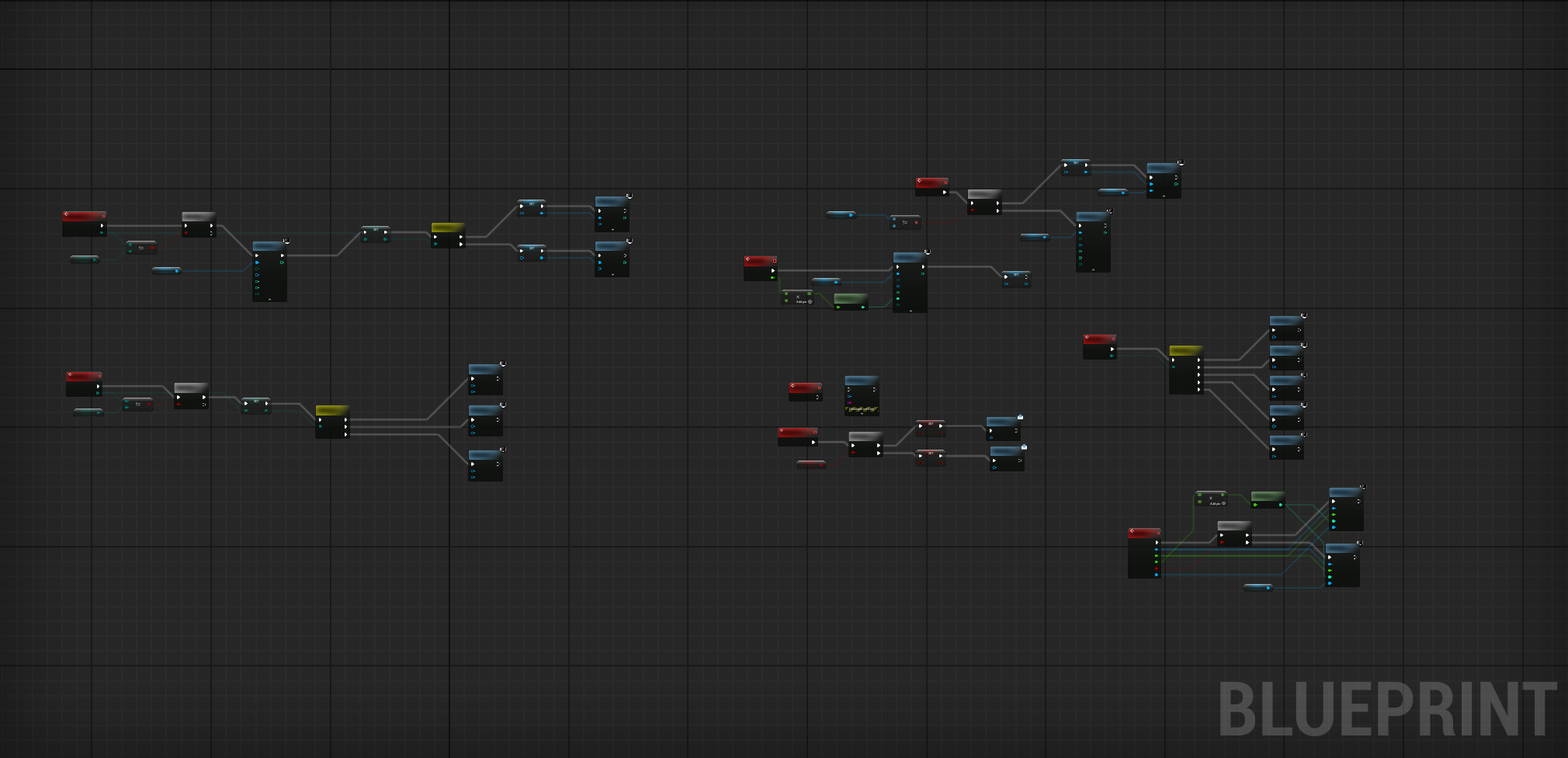
(blueprint screenshot for audio manager)
Process

Sound design in Reaper, through sound libraries & recording sounds myself.solution:
A singular global audio manager handles all of the audio-related functions, Wwise handles the audio playing logic, and other blueprints/tools bring the audio system to the game world.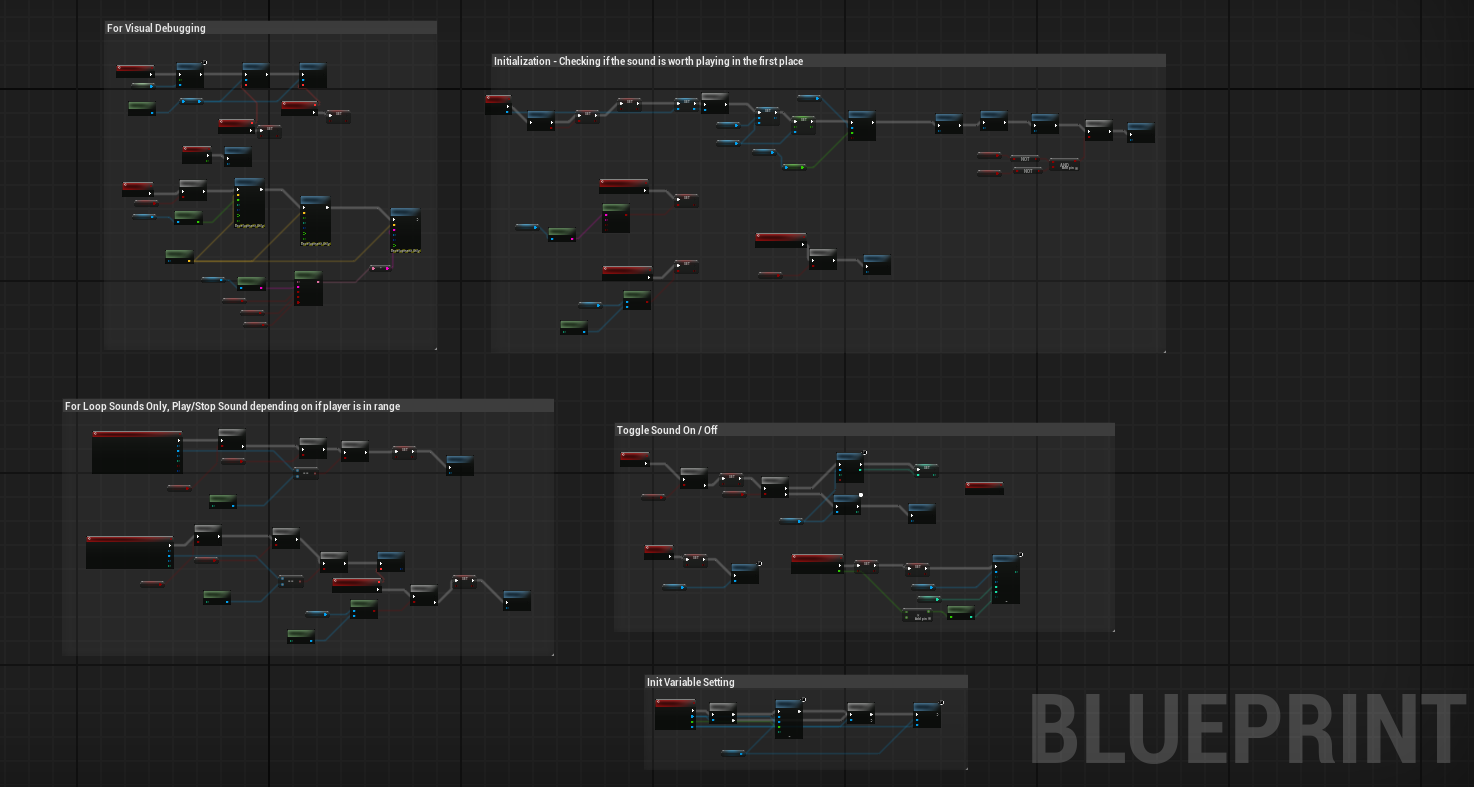
(blueprints screenshot for audio emitter)
All audio emitters are visually debuggable, labeling important debug information, allowing bug fixing on the Unreal Engine side easier. To make sure no excessive events are left on hold, emitters will stop playing their event completely if players aren't within their attenuation range. Spatial Audio & Wwise organization
(Early footage of Spatial Audio Testing)
Everything in Wwise is formatted and organized, from naming conventions to hierarchies. Sidechain through RTPCs was added to sounds such as guns and music for a clearer mix. In the video on the left, gun shot tails are sidechained to the gun shot heads, minimizing audio clutter when shooting speeds are high. Switches are made to change the gun tail's environmental context, so gun shots don't sound independent to the environment. Although spatial audio wasn't implemented into the levels because the levels were being reworked, it was tested and methods of implementing it into the game was given to the team.Audio Manager & function calling
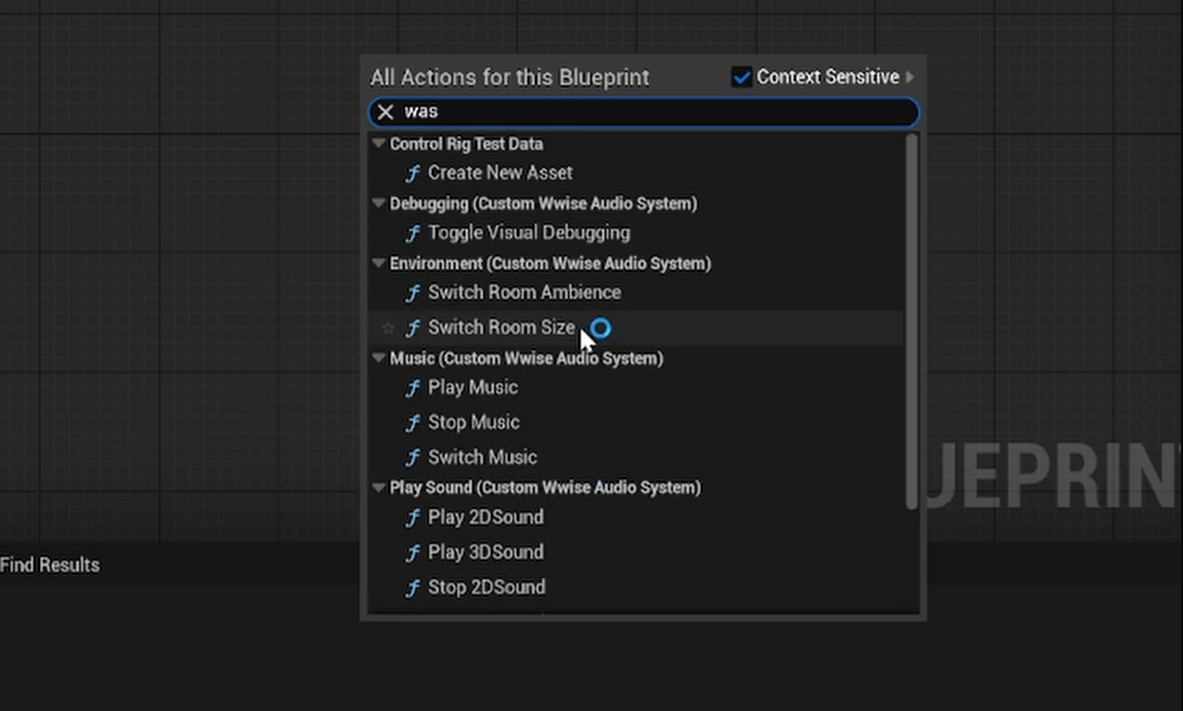
(Quickly grabbing audio functions by function library)
In terms of sound design, I was mainly responsible for helping rework the gun reload sound, and designing/prototyping multiple gun shot sounds to experiment with the audio direction of the weapons of the game. (Here's some gun shots I designed for the team)With the help of programmers, audio manager is a UObject that lives on the game instance. The audio manager contains all audio-related functions, such as spawning and initializing audio emitters and toggling music.A blueprint function library was also made so functions can be called with the type of a keyword, instead of referencing the audio manager every single time. part 1:
Sound Design
reaper · recording · Communication
(Here is the showcase for the reload sound, including its layers)
Send to team for feedback, have critiques and conversations for the direction of the sound
Repeat until we're satisfied with the sound, and implement it. Sound design is a very iterative process. It took around 8 versions for the reload sound and a lot of conversation for it to become what you heard in the video. Through this process, I am able to hand over a sound that the team is genuinely satisfied with, and is willing to put into the game.